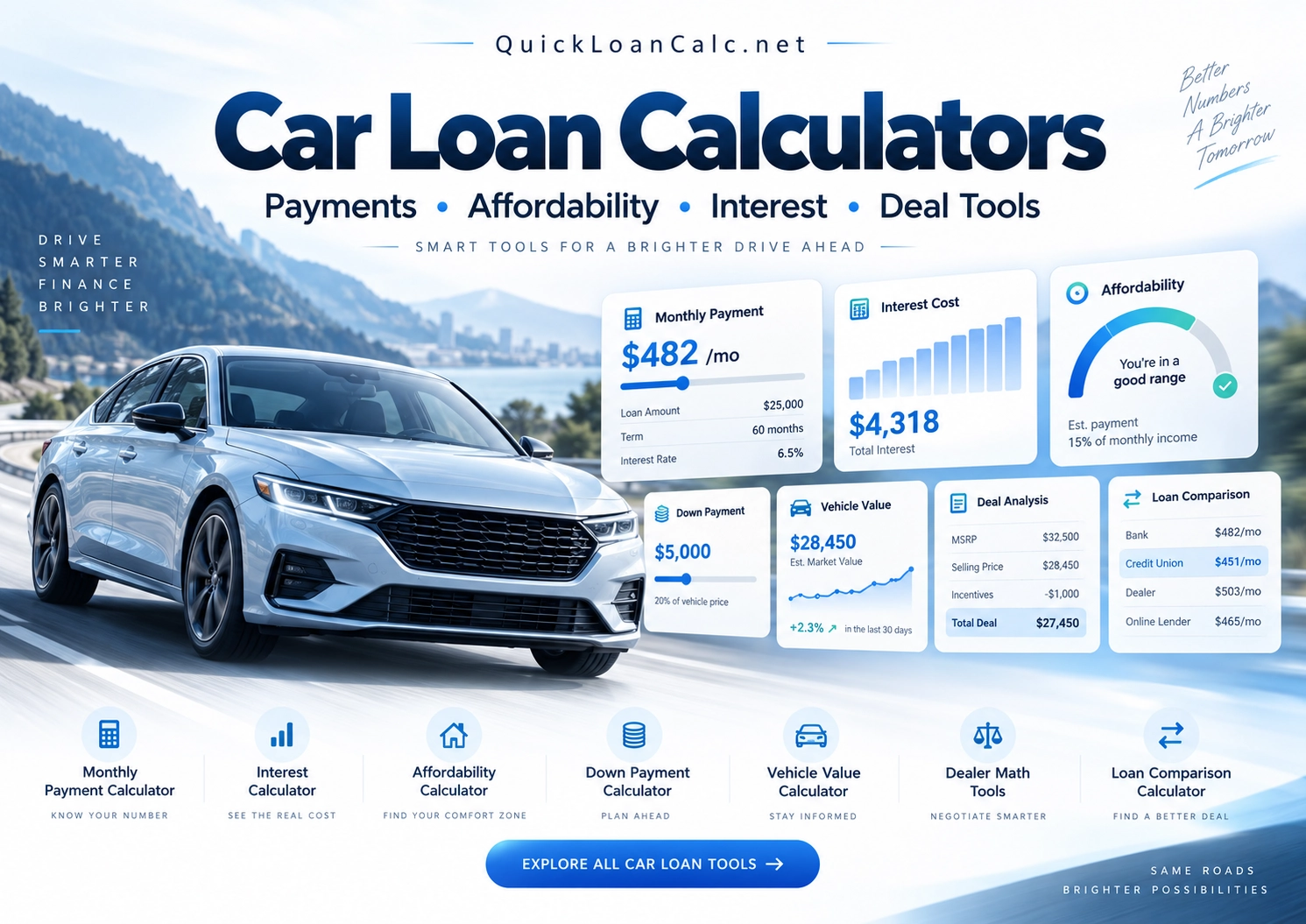
Start Here — Main Car Loan Tools
Everything You Need to Run the Numbers Before You Buy
Calculate the payment. Check affordability. Compare financing costs. Review the dealer’s numbers before you sign.
Start Here — Main Car Loan Tools
The essential calculators are right at the top.
Car Loan Calculator
Estimate amount financed, monthly payment, total interest, and total loan repayment.
Can I Afford This Car?
See whether the vehicle fits your broader budget, not just the payment.
Auto Loan Interest Calculator
See how much interest the financing may add over the life of the loan.
Dealer Deal Decoder
Reconstruct the dealer’s financing numbers and check whether the math reconciles.
Choose Your Car Loan Amount
Go straight to an amount-specific calculator.
Select the amount you want to finance. The button will open the QuickLoanCalc page preset for that car-loan amount.
More Car Buying Tools
Go deeper than the payment.
A Car Loan Has More Than One Number
The payment is the result. The loan structure is the reason.
When people shop for a vehicle, the conversation often becomes: “What payment can you afford?” But the monthly payment is only one part of the financing.
A stronger comparison looks at the vehicle price, cash down, trade-in, taxes and fees, amount financed, APR, loan term, monthly payment, total interest, and total scheduled repayment.
Frequently Asked Questions
Quick answers to common car-financing questions.
Which car loan calculator should I use first?
If you know the vehicle price and want a general financing estimate, start with the Car Loan Calculator.
What if I already know the amount I want to finance?
Use the amount selector above. Choose a common loan amount and QuickLoanCalc will take you directly to that amount-specific calculator page.
Which calculator shows how much interest I may pay?
Use the Auto Loan Interest Calculator to compare monthly payments, total interest, and total repayment at different rates.
Which tool helps me decide whether the vehicle fits my budget?
Use Can I Afford This Car? to look beyond the payment and consider the broader vehicle budget.
Can I check a dealer’s financing numbers?
Use the Dealer Deal Decoder to reconstruct the transaction and check whether the entered figures reconcile.
Before You Buy, Check the VIN
QuickLoanCalc helps you understand the transaction. A VIN check can help you learn more about the vehicle itself before you commit to financing it.
Check the Vehicle VIN with VinFrenzy.com →Calculate Smarter. Buy With Confidence.
Know the numbers before you sign.
You do not need to become a loan officer or a car dealer. But before signing a long-term financial agreement, you should understand the numbers creating the payment.
Calculate the payment. Check the interest. Test the term. Look at the amount financed. Compare affordability. Review the deal.
Important Information: QuickLoanCalc.net provides calculators and educational information for general informational purposes. Results are estimates based on the values entered and the assumptions used by each calculator.
Actual financing, taxes, fees, interest, vehicle values, depreciation, insurance, fuel or charging costs, and dealer transaction figures may differ. Tax and trade-in treatment vary by jurisdiction.
QuickLoanCalc.net is not a lender, dealer, financial advisor, attorney, tax advisor, insurance provider, or vehicle appraiser. Always compare calculator estimates with actual dealer and lender documents before entering into a financial agreement.
Last reviewed: September 2026